
Screenshots & videos
About
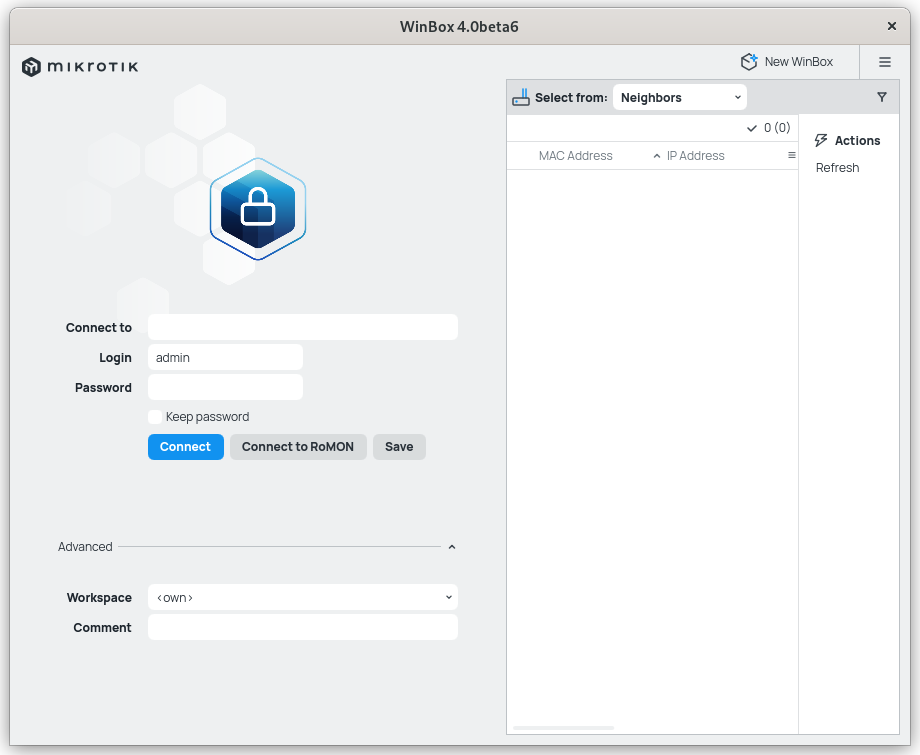
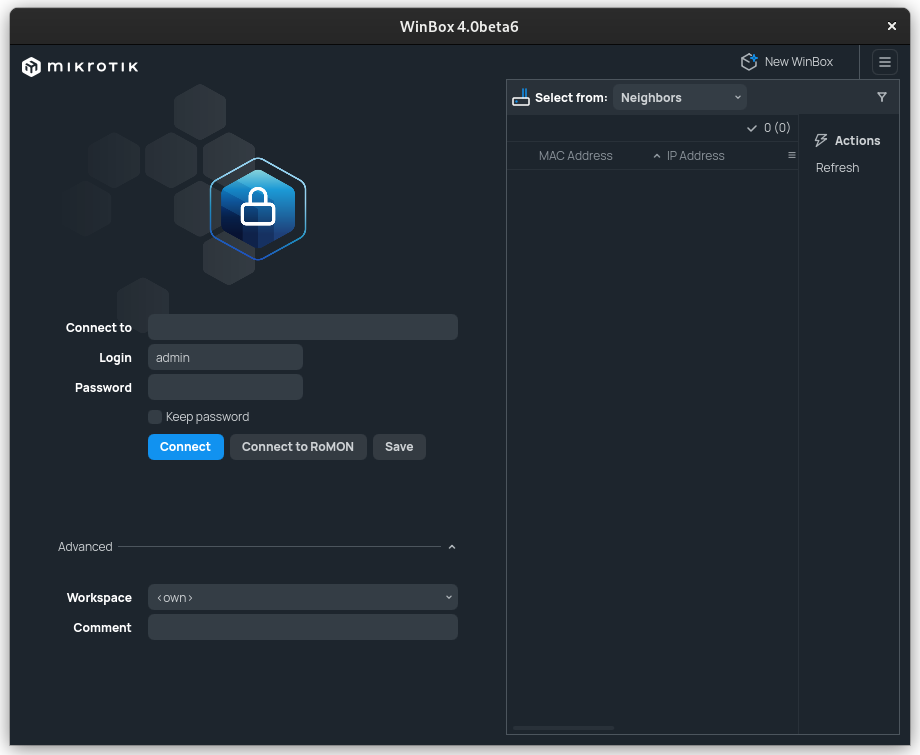
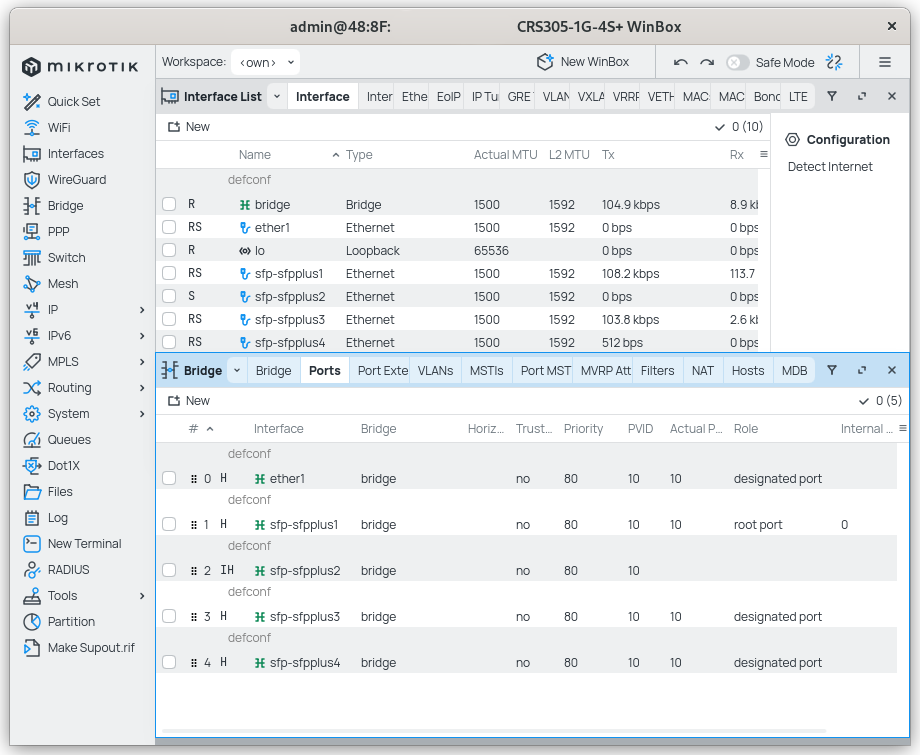
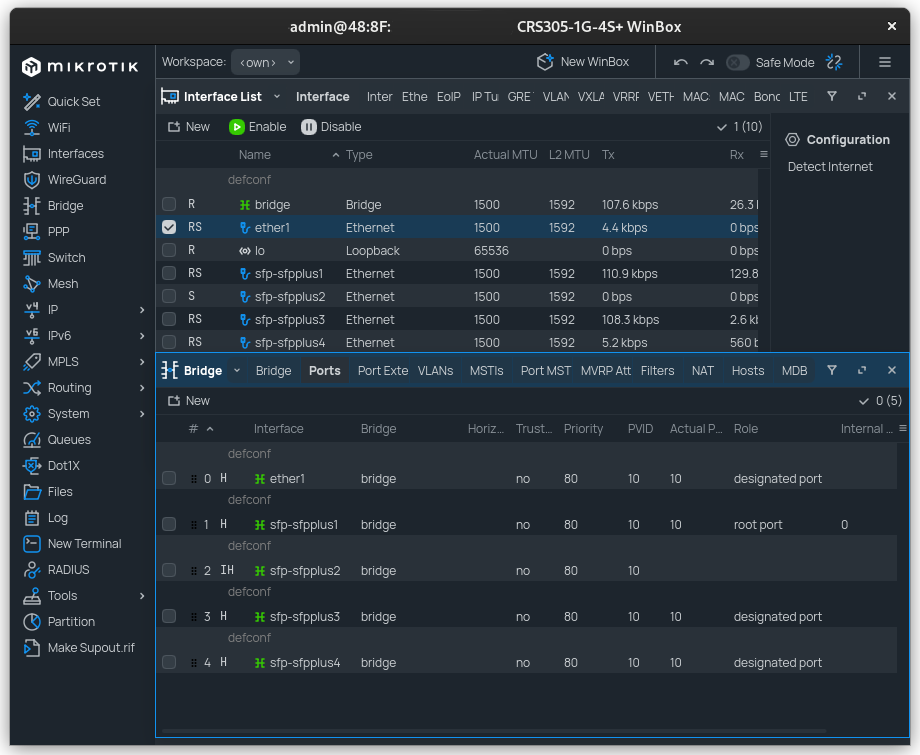
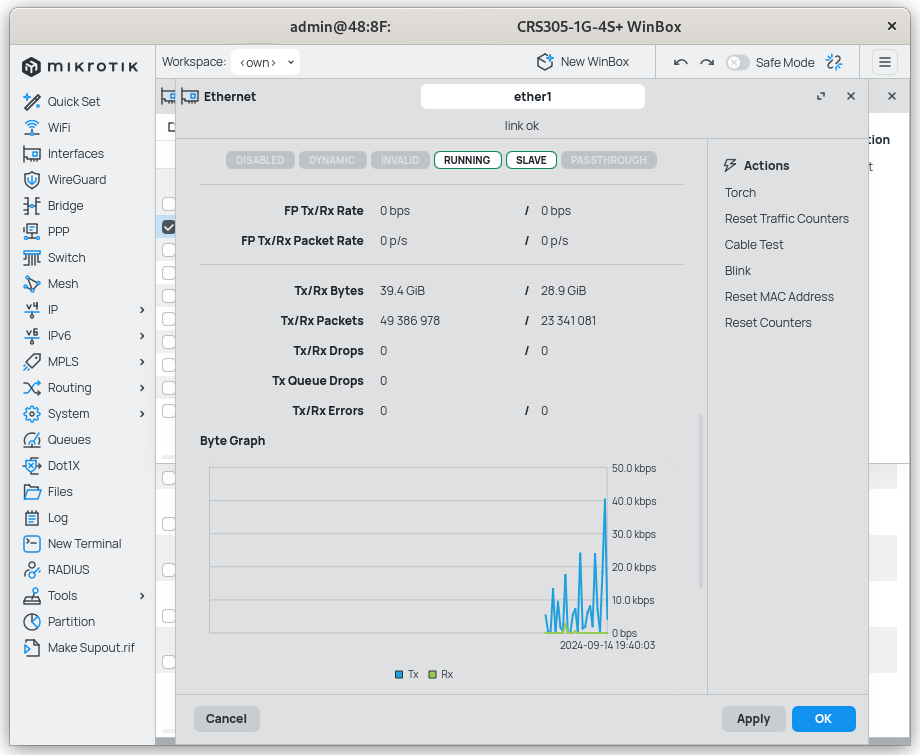
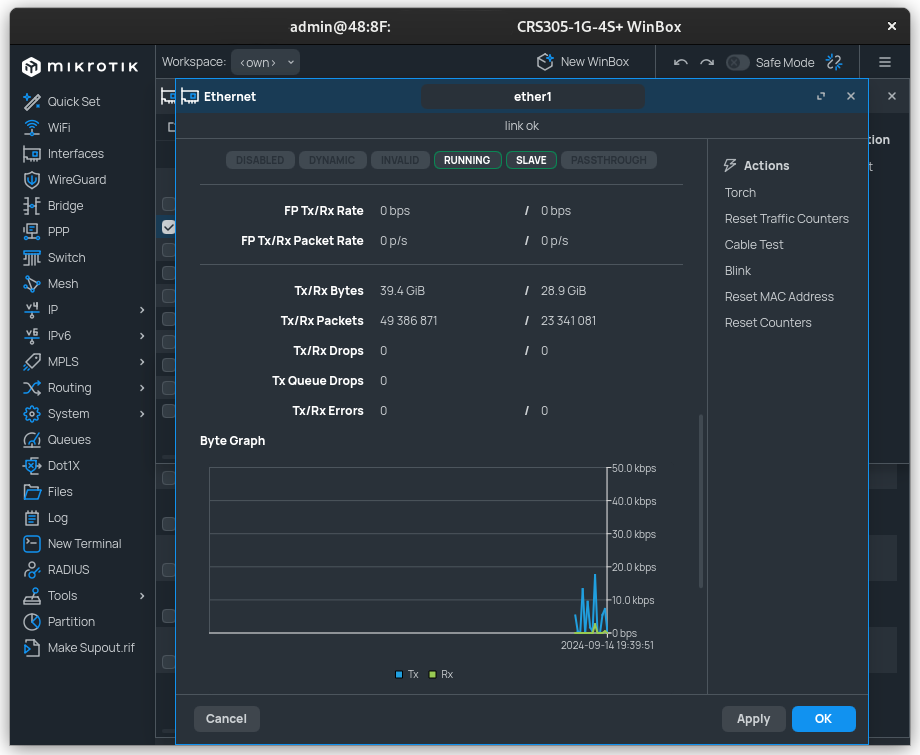
WinBox is a small utility that allows the administration of MikroTik RouterOS using a fast and simple GUI. All WinBox interface functions are as close as possible mirroring the console functions, that is why there are no WinBox sections in the manual.
Changelog
What's new: - app: add Windows for arm64 version in file WinBox_Windows_arm64.zip; - form: make multiline input field height logic as in WinBox v3; - table: add quick comment feature (allow multi-row commenting); - table: allow opening "Table settings" also via right mouse click; - table: calculate implicit height to fit 16 regular rows including row paddings; - table: fix quick filter sorting in some situations; - table: improve performance on relayout which mostly happens when zooming; - table: show collapsed tools right menu as dropdown button in table toolbar; - - add global setting to change default tools position (right-side or toolbar); - ui,settings: render font selection items with the respective font; - ui: add app Quit option in Settings dropdown menu; - ui: add fade effect to main menu when scrolling is available; - ui: change login panel's selection widget from combobox to tabs; - ui: layout main menu's submenu items in 1 column if space is available; - ui: redesign opened windows selector popup; - ui: rework scrolling so that it works when there is table within form and fix scrolling lag;
Additional information
- Developer
- SIA Mikrotīkls
- License
- LicenseRef-proprietary
- Category
- Internet & Communication
- Size
- 21.2 MB
- Homepage
- https://mikrotik.com
- Available via
- Flathub (Flatpak), AUR, Gentoo
- Catalog data as of
- 9/3/2026 (dataset snapshot date — per-app update dates aren't tracked yet)