
Screenshots & videos
About
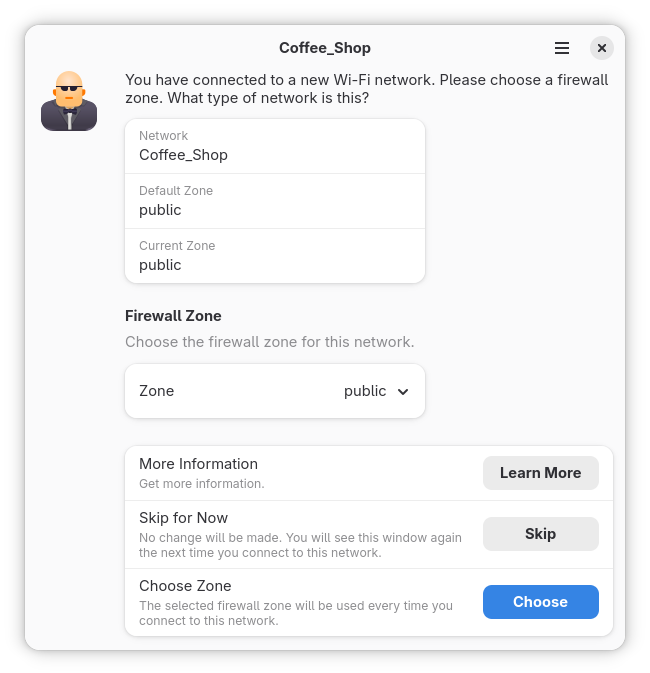
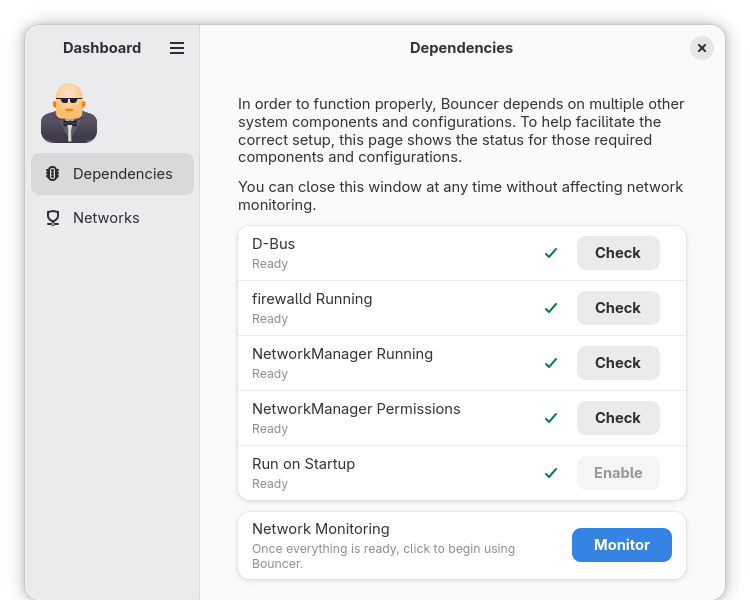
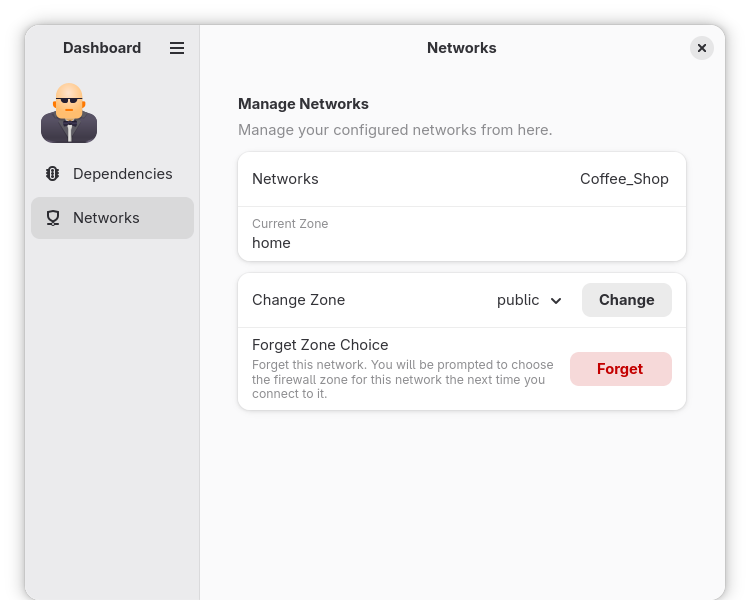
Bouncer is an application to help you choose the correct firewall zone for wireless connections. When you connect to a new network, a window opens prompting you for what kind of network (eg home, public, work) it is. When you choose the network type, it is associated with that network and automatically used in the future. NetworkManager and firewalld are required. If you don't use those, you can't use Bouncer. Fedora uses both by default. Other distributions may not. Additional setup is required after installation. See the applicable section for your distribution. Once the setup is done, start Bouncer and confirm your system is configured correctly. Then click the Monitor button to begin using Bouncer. After that, it will start automatically when you log in. Fedora Ubuntu Debian - For Fedora, everything just works! Just start Bouncer to confirm, and click the Monitor button to begin using Bouncer. - sudo apt remove ufwUninstall ufw: - sudo apt install firewalldInstall firewalld: - netdevusermod -a -G netdev justinorg.freedesktop.NetworkManager.settings.modify.systemBy default, polkit is configured to not let regular users set the zone for a connection. The simplest way to change this is to add users to thegroup (eg). Alternatively, you can create a custom polkit rule for theaction (how to create custom polkit rules is beyond the scope of this document and is left as an exercise for the reader). - Start Bouncer and confirm your system is configured correctly. Then click the Monitor button to begin using Bouncer. - sudo apt install firewalldInstall firewalld: - netdevusermod -a -G netdev justinorg.freedesktop.NetworkManager.settings.modify.systemBy default, polkit is configured to not let regular users set the zone for a connection. The simplest way to change this is to add users to thegroup (eg). Alternatively, you can create a custom polkit rule for theaction (how to create custom polkit rules is beyond the scope of this document and is left as an exercise for the reader). - Start Bouncer and confirm your system is configured correctly. Then click the Monitor button to begin using Bouncer.
Changelog
- UI/UX enhancements - Clean up dashboard dependency tab - Prompt for multiple new networks at the same time - Added Spanish translations - Update Occitan translations - Update Danish translations - Update JavaScript development tooling
Additional information
- Developer
- Justin Donnelly
- License
- MPL-2.0
- Category
- Security
- Languages
- en_US
- Size
- 551.9 KB
- Homepage
- https://github.com/justinrdonnelly/bouncer
- Available via
- Flathub (Flatpak), AUR
- Catalog data as of
- 9/3/2026 (dataset snapshot date — per-app update dates aren't tracked yet)