
Screenshots & videos
About
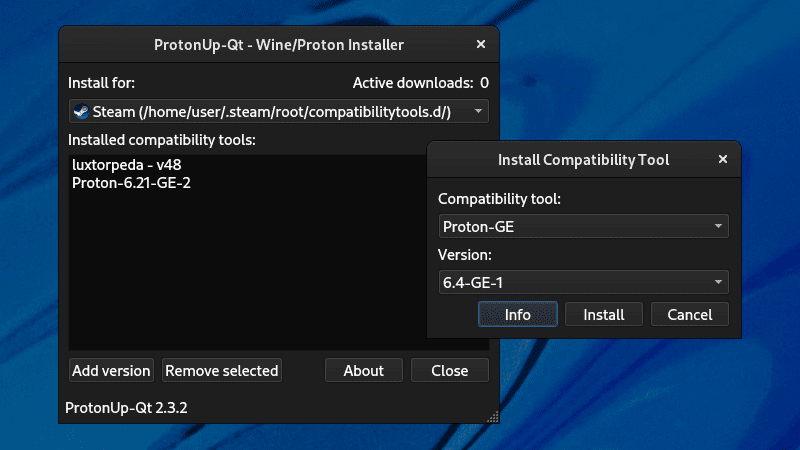
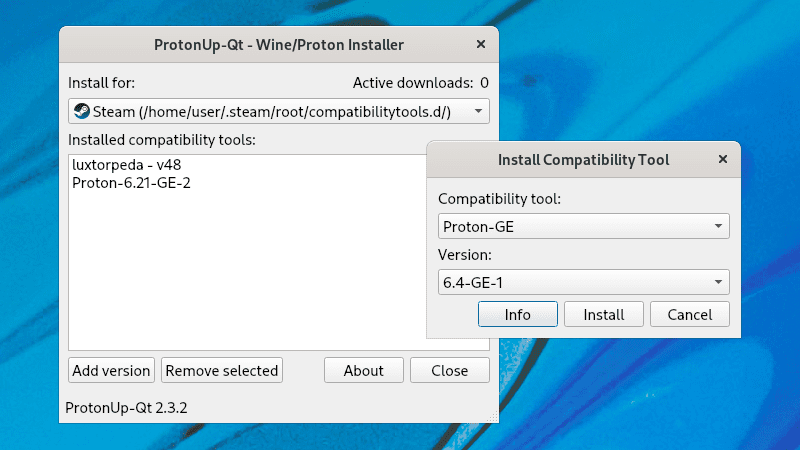
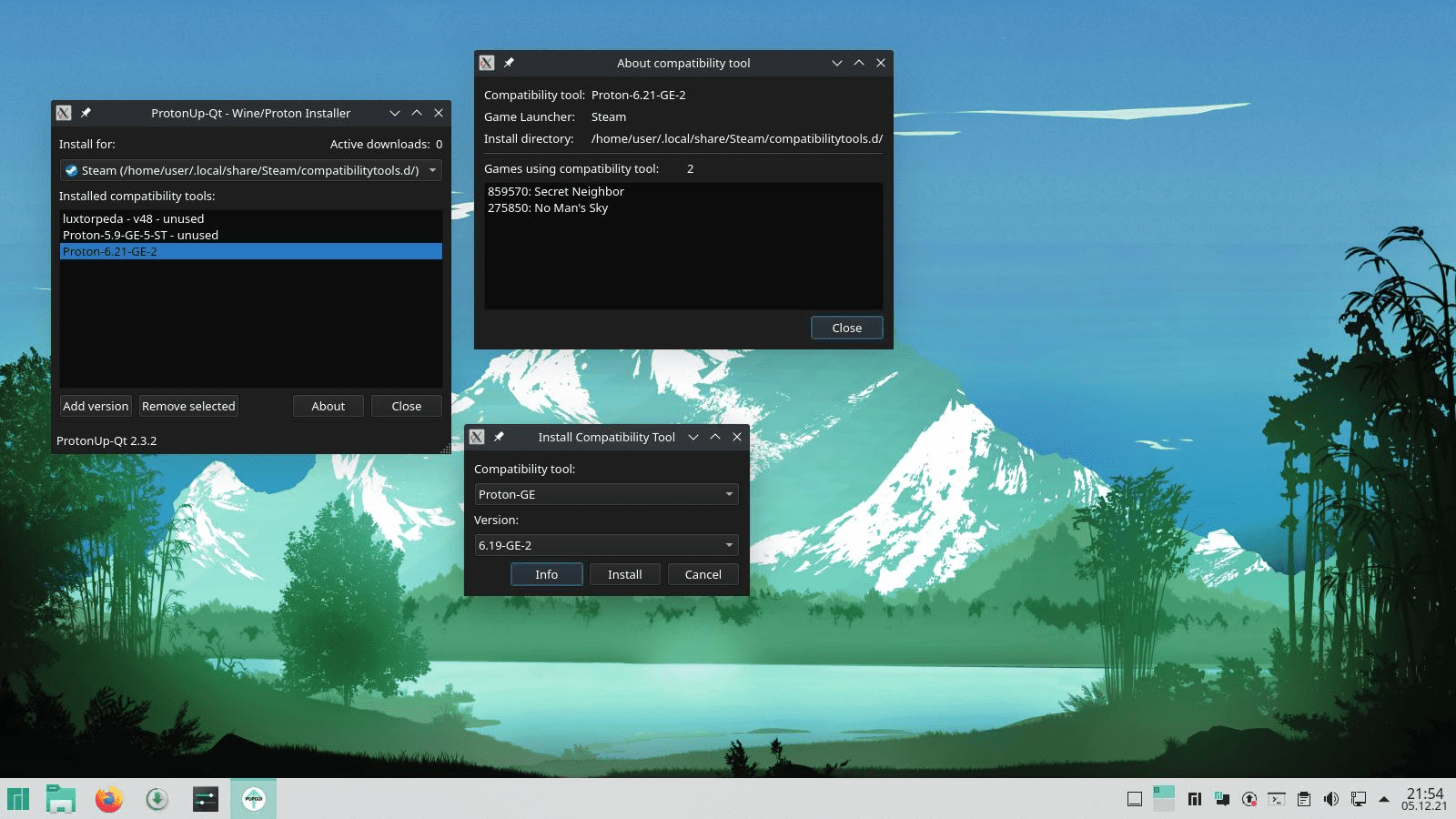
Install and manage Wine- and Proton-based compatibility tools for Steam and Lutris with this graphical user interface. Supported launchers: Supported compatibility tools: Double click compatibility tools to show more information and games using the tool. Advanced settings and the color theme can be managed in the About dialog. - Steam - Lutris - Heroic Games Launcher - Bottles - WineZGUI - Both normal, Snap and Flatpak installations are supported - GE-Proton - SteamTinkerLaunch - Proton-Tkg - Luxtorpeda - Boxtron - Roberta - NorthstarProton - Scrumplex's Steam-Play-None - Wine-GE - Lutris-Wine - Kron4ek's Vanilla Wine-Builds - DXVK and DXVK async (includes D8VK) - VKD3D
Changelog
Changes/Improvements: Various improvements and bug fixes. See GitHub for more details. Thanks to sonic2kk and the other contributers! - Download correct GE-Proton architecture (aarch64 on ARM, x86_64 otherwise) - Use new Luxtorpeda Codeberg repository - Removed Proton-Sarek. Use proton-cachyos instead - Enabled proton-cachyos for Lutris
Additional information
- Developer
- DavidoTek
- License
- GPL-3.0
- Category
- Utilities
- Size
- 65.5 MB
- Homepage
- https://davidotek.github.io/protonup-qt
- Available via
- Flathub (Flatpak), AUR, AUR (bin build), AUR (git build), Nixpkgs
- Catalog data as of
- 9/3/2026 (dataset snapshot date — per-app update dates aren't tracked yet)