
Screenshots & videos
About
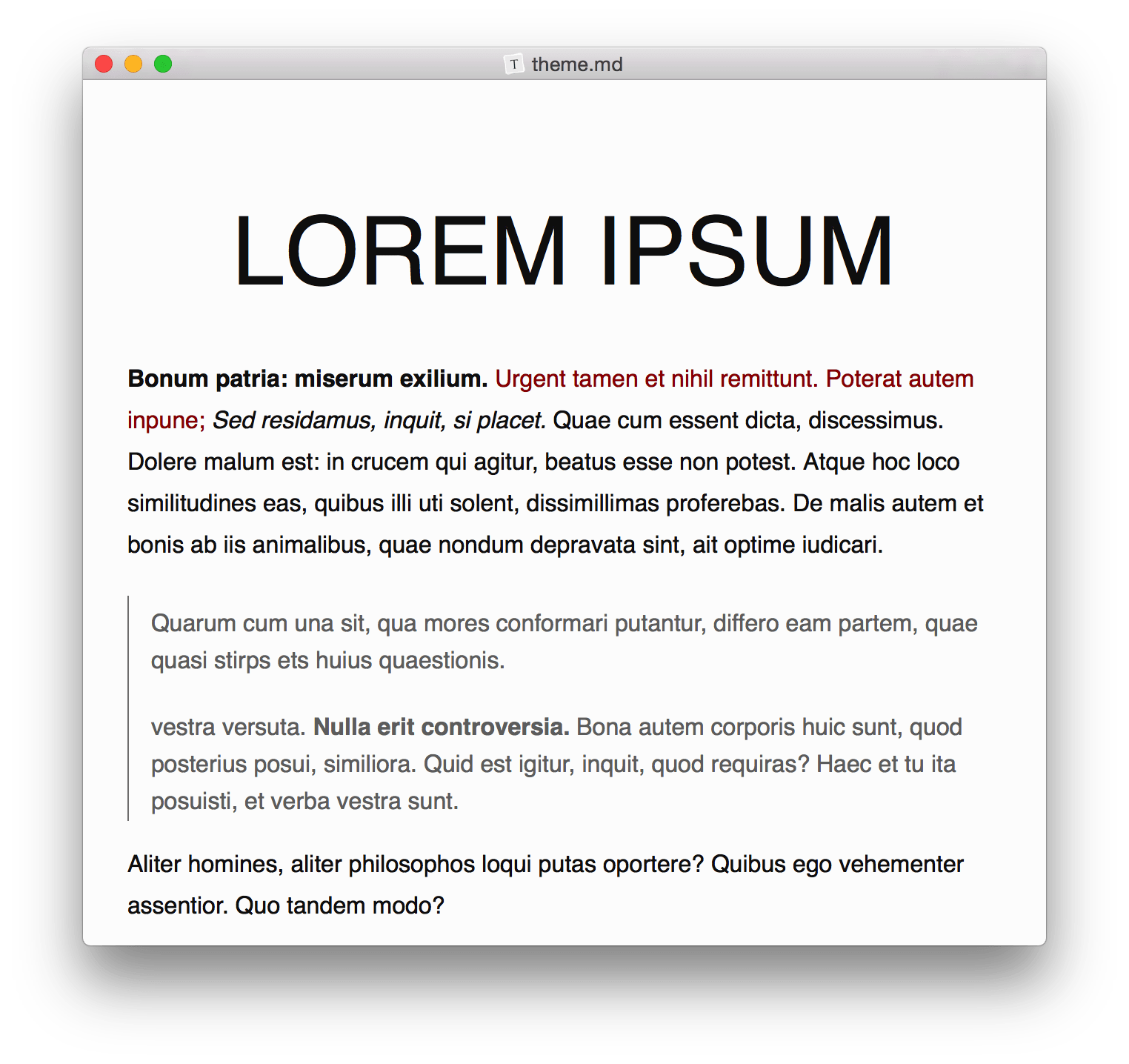
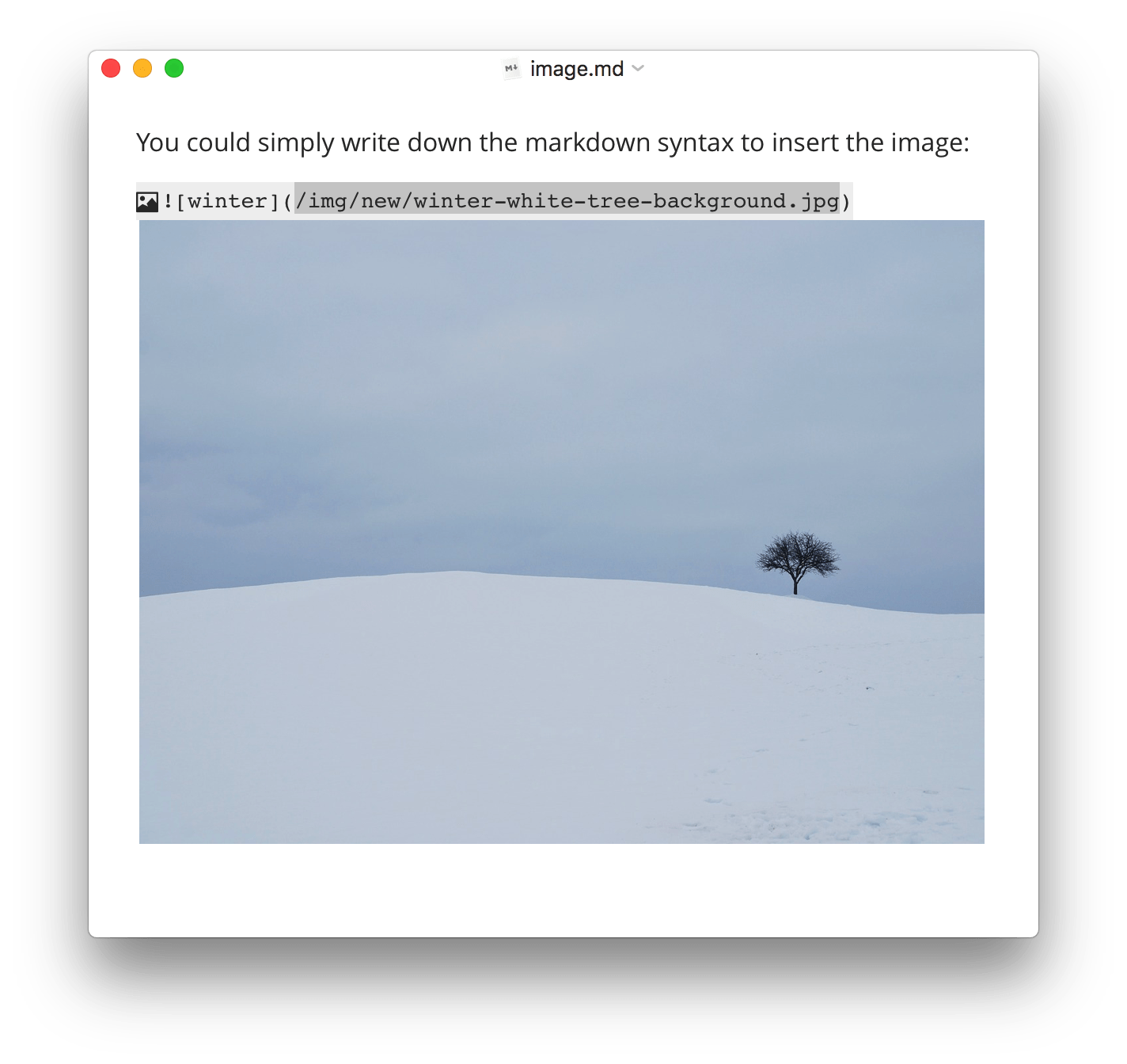
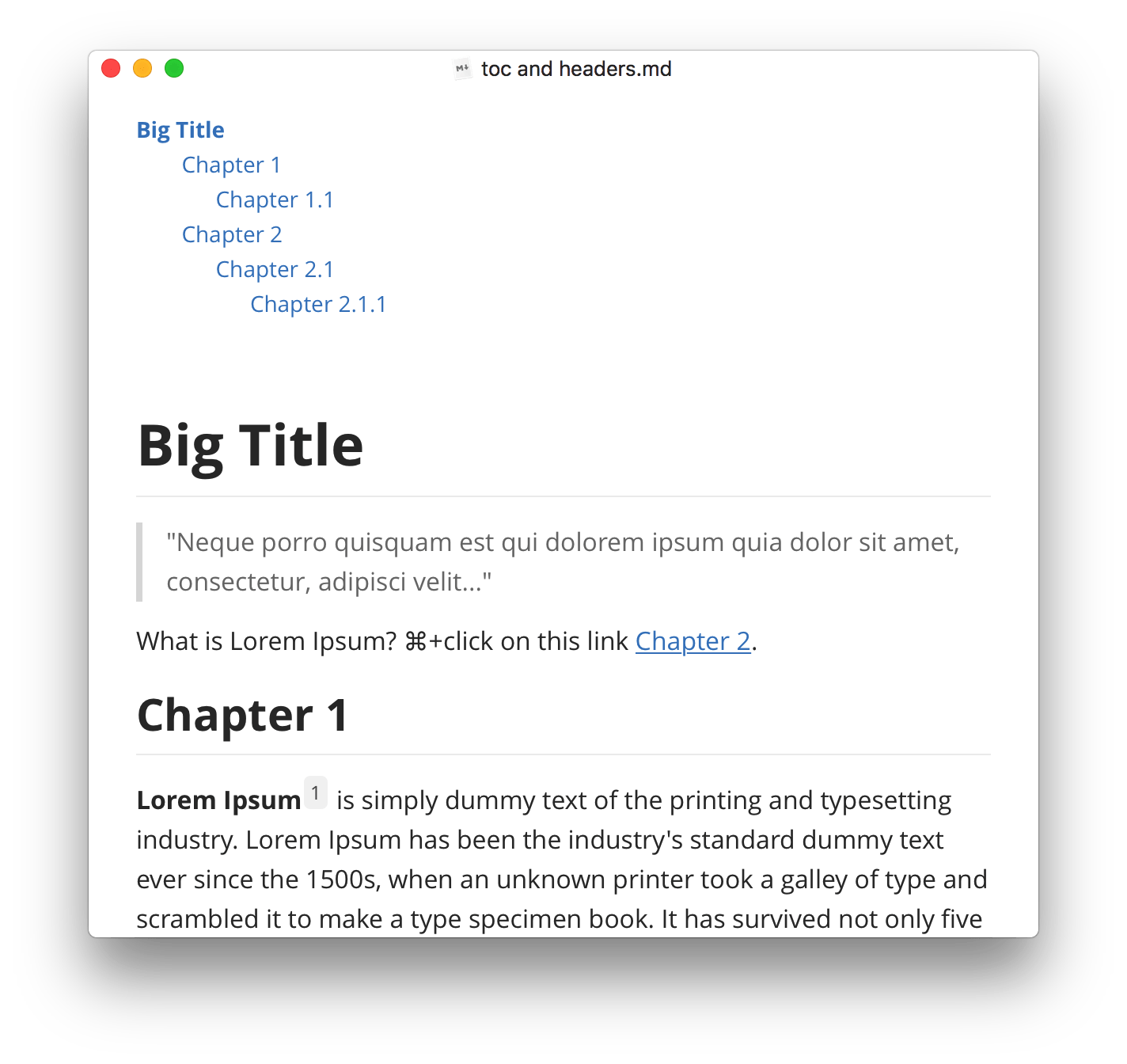
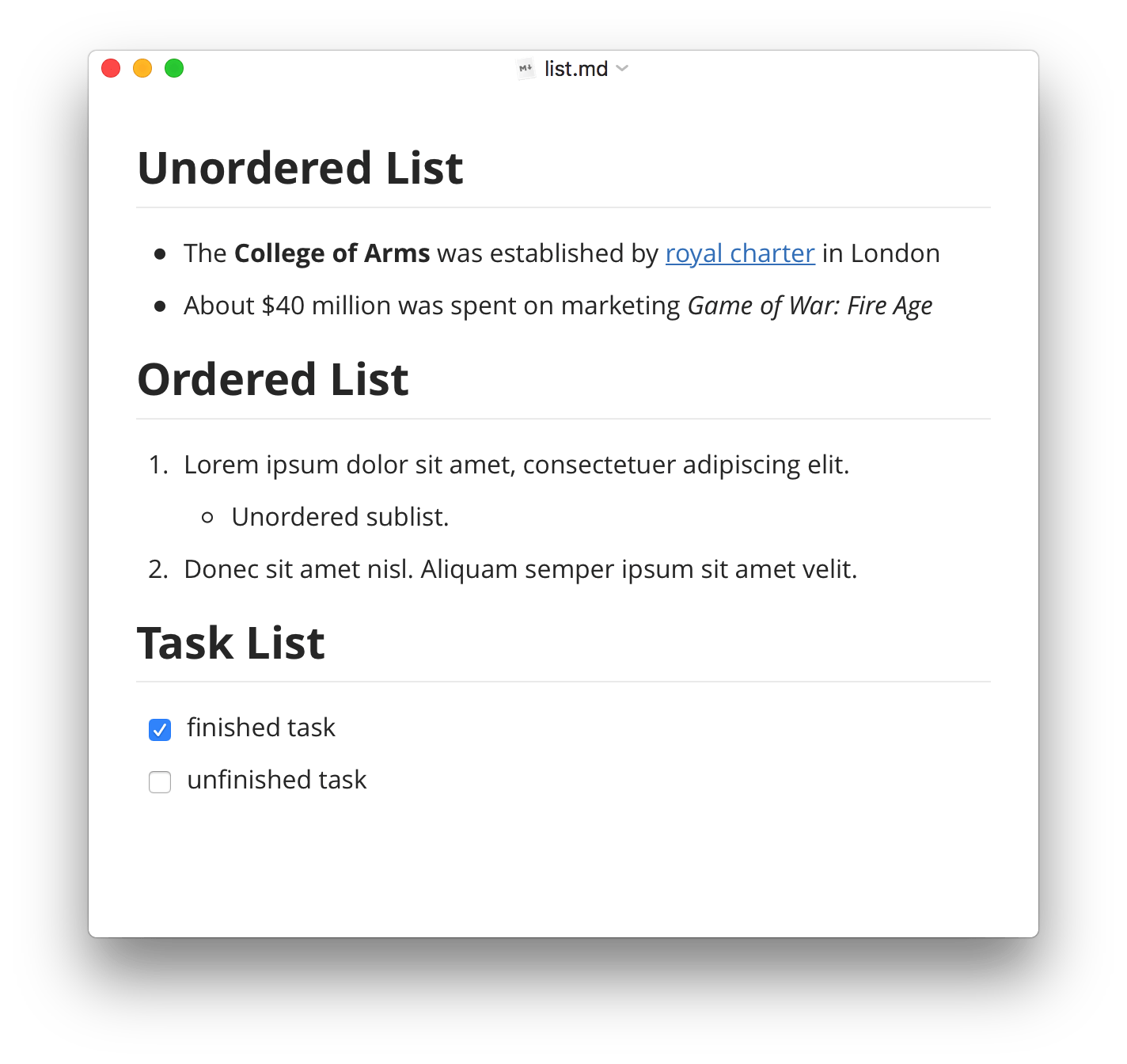
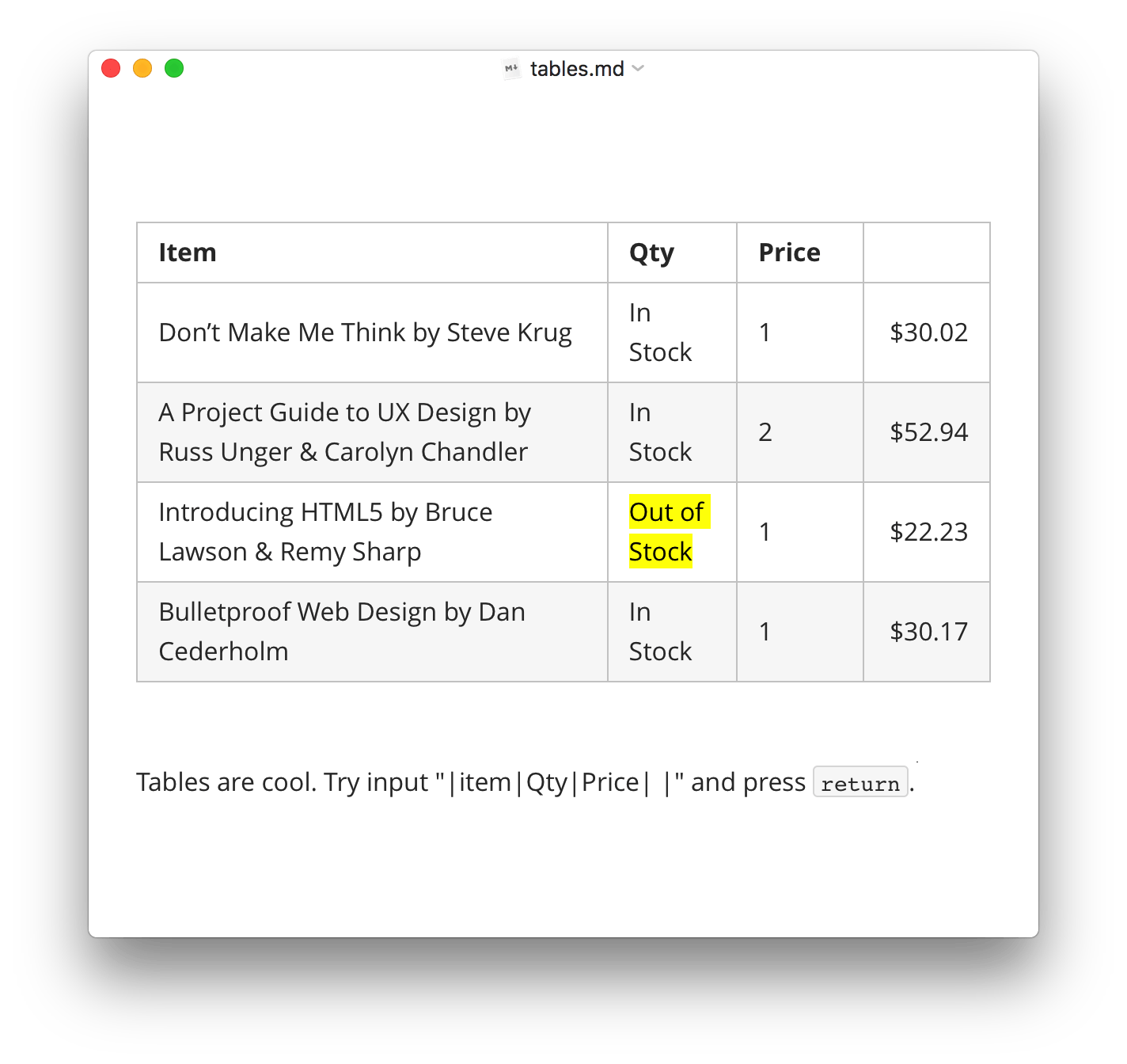
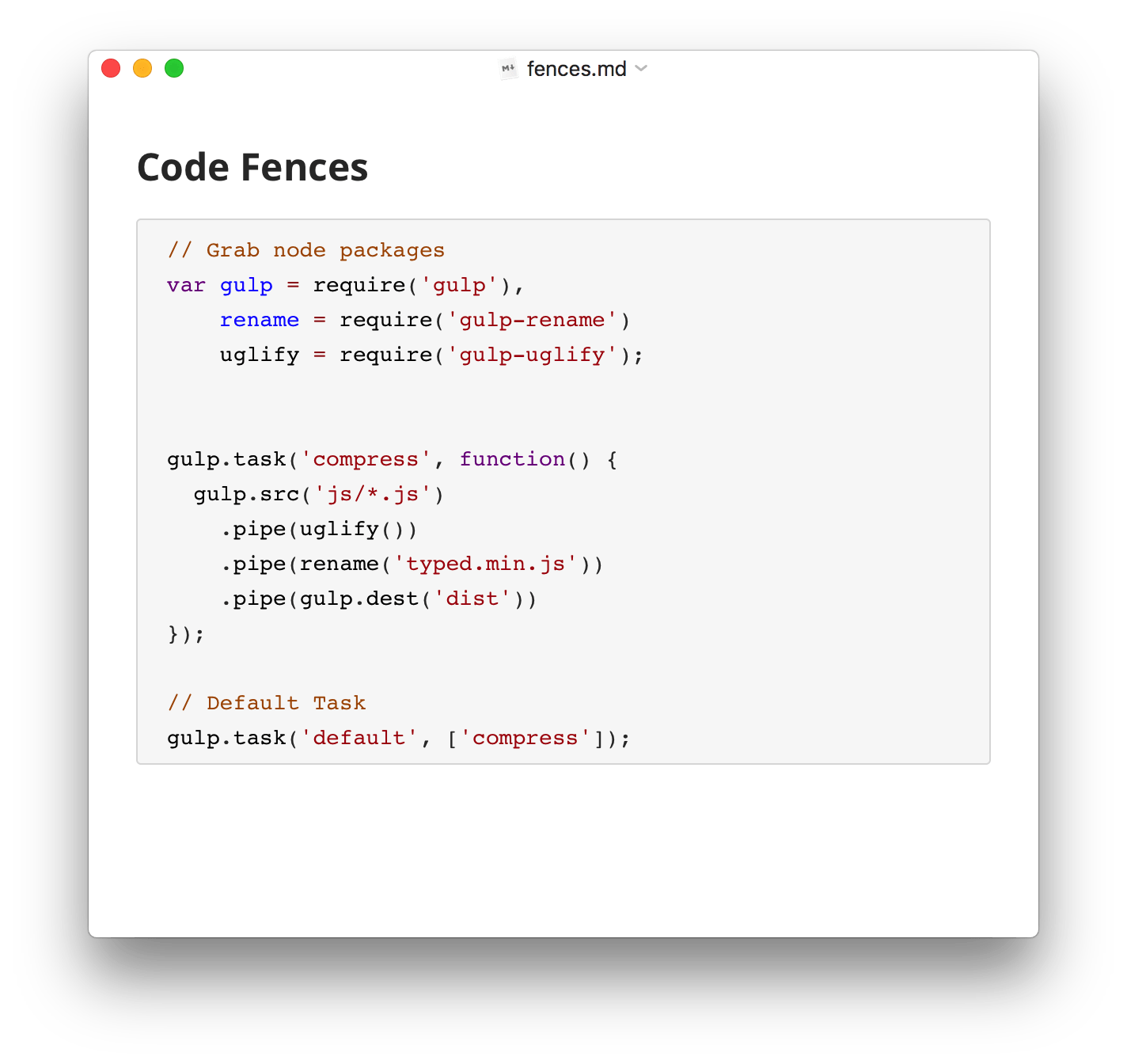
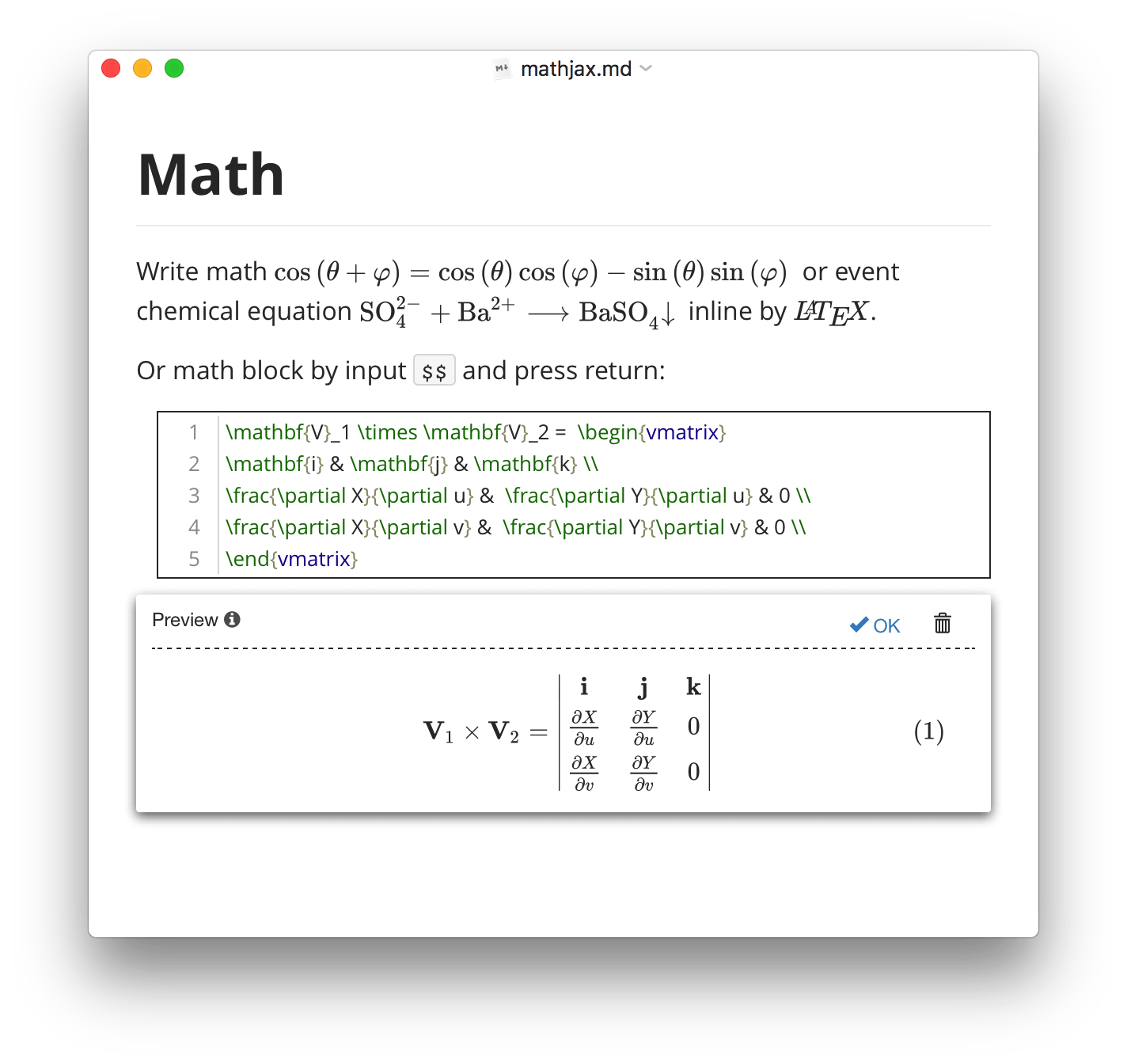
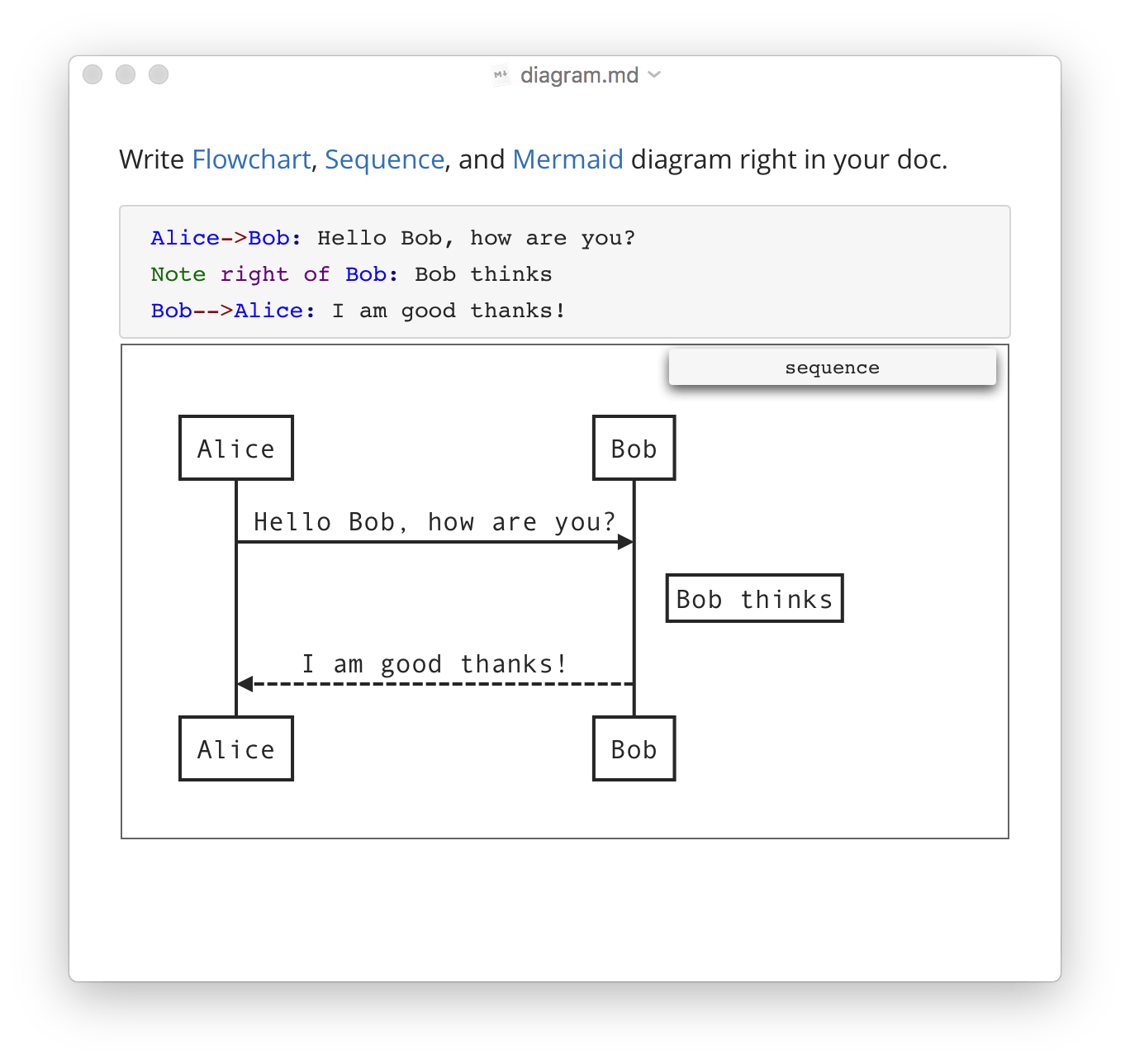
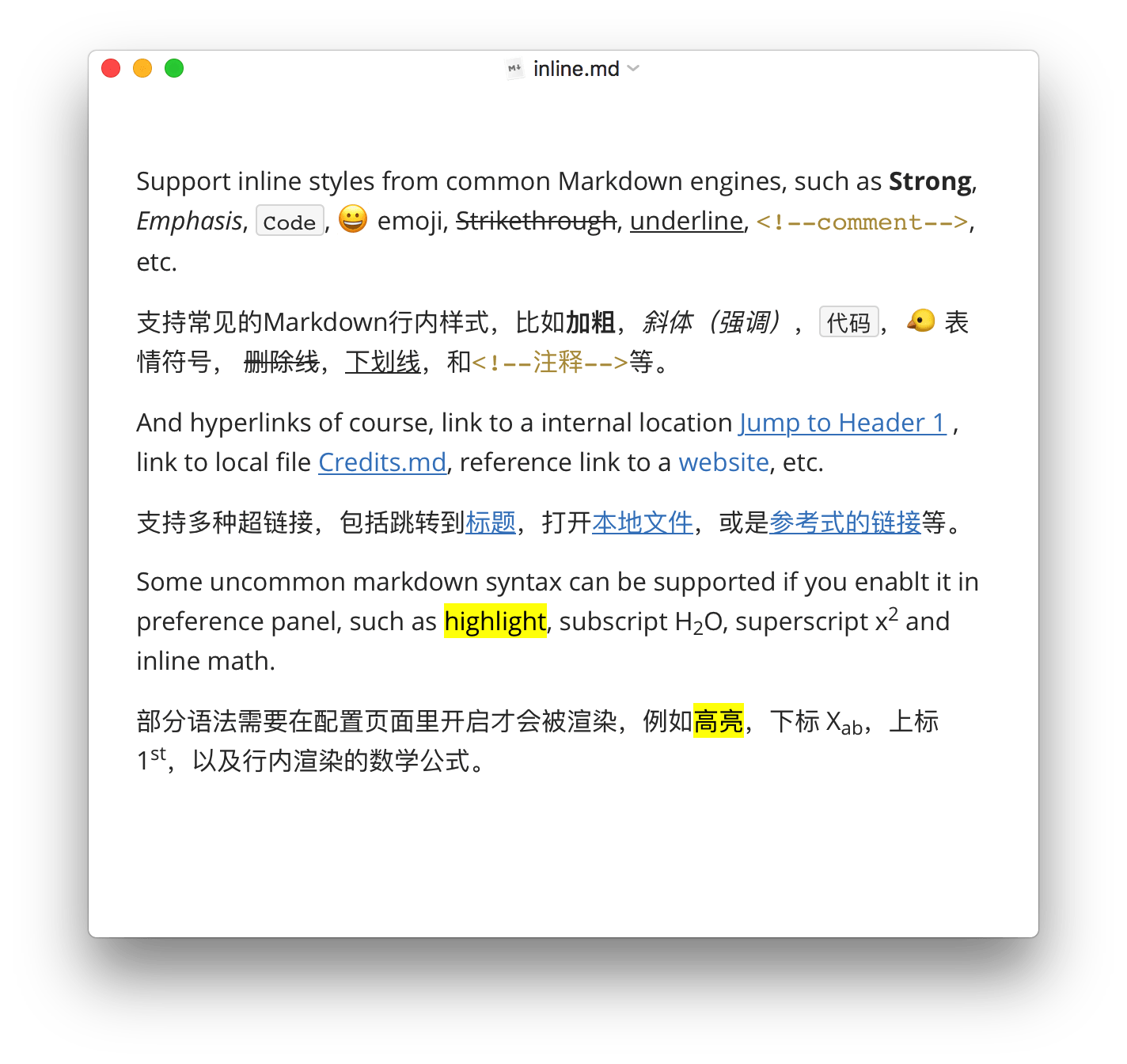
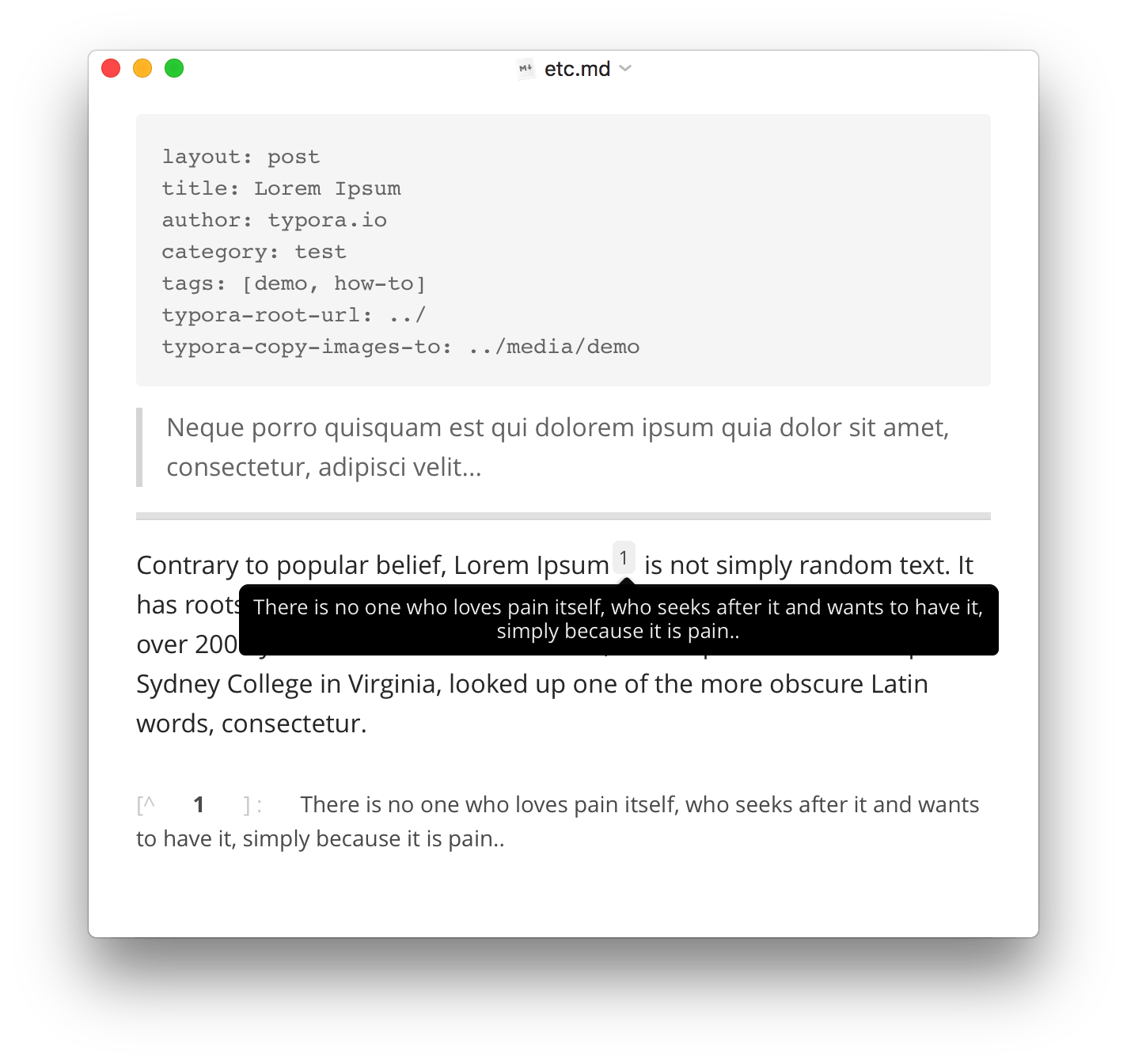
Typora gives you a seamless experience as both a reader and a writer. It removes the preview window, mode switcher, syntax symbols of markdown source code, and all other unnecessary distractions. Instead, it provides a real live preview feature to help you concentrate on the content itself.
Changelog
1.14.9 Fix version number in winget installer. Fix mermaid rendering. 1.14.8 Fix a security vulnerability. Fix toolbar cannot be opened in Windows ARM. 1.14.6 Detail macOSdmg Windows (64bit)exe Windows (32bit)exe Windows (ARM)exe Linux (64bit)deb Linux (64bit)tar Linux (ARM)deb Linux (ARM)tar New Add editor toolbar, you can enable it from menubar → View → Toolbar. Add context menu to quickly change styles for macOS version. Add option to show hidden files, all files, or follow custom glob to filter files in files sidebar. Add keyboard navigation on file tree. Fix Bypass list rendering issues under macOS 27 beta. (It is a macOS bug) 1.13.8 Fix HTML / PDF export on macOS when contains special math code. 1.13.7 Fix file content live update on external changes sometime fail on macOS. Fix img ignore custom height attribute. Fix Typora keep rename file extension back to md after user change it.
Additional information
- Developer
- Typora
- License
- LicenseRef-proprietary=https://support.typora.io/License-Agreement/
- Category
- Productivity
- Size
- 177.2 MB
- Homepage
- https://typora.io/
- Available via
- Flathub (Flatpak), Snap Store (stable build), AUR
- Catalog data as of
- 9/3/2026 (dataset snapshot date — per-app update dates aren't tracked yet)